Kiosk and printer setup in under 10 minutes
Unbox, connect the printer, download the attendee list and run a test badge.
 Watch with a demo →
In this video
- No IT team needed on site
- The attendee list downloads before doors open
- A test badge confirms printer and stock
We walk through this live in a 30-minute demo, on your own event’s numbers. Book a demo.
What it covers
01What’s in the box
02Connecting the badge printer
03Signing in and downloading attendees
04Printing a test badge
05Checking offline mode
Keep reading
All resources →Video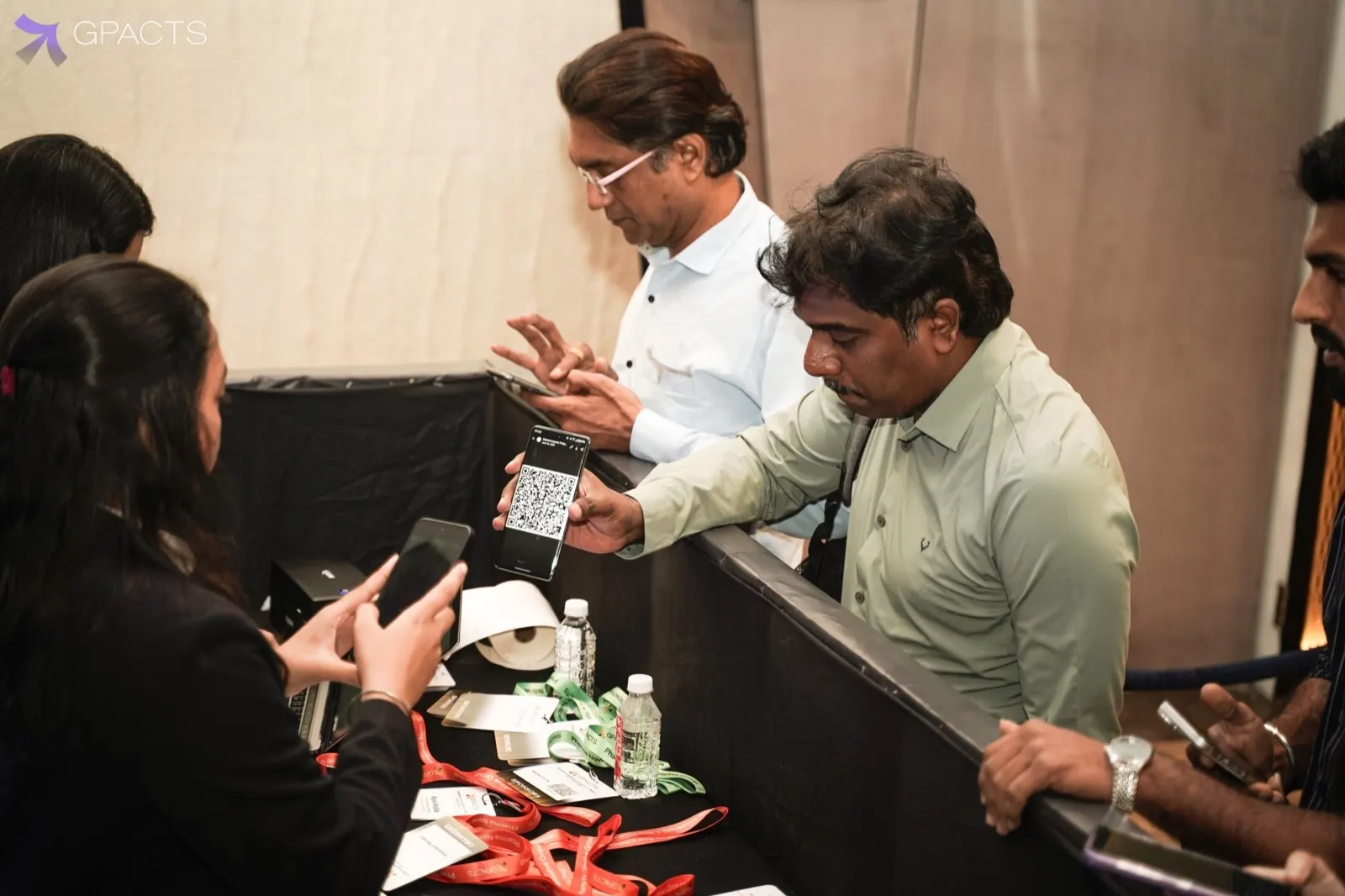
Live demo: we cut the WiFi at check-in
We disconnect the network mid-queue and keep scanning. Watch the kiosk check people in, print badges and sync when the connection returns.
Video
GPACTS Mumbai: event-day walkthrough
From registration desk to session hall at the Pharma AI & Data Congress, Mumbai chapter.
Article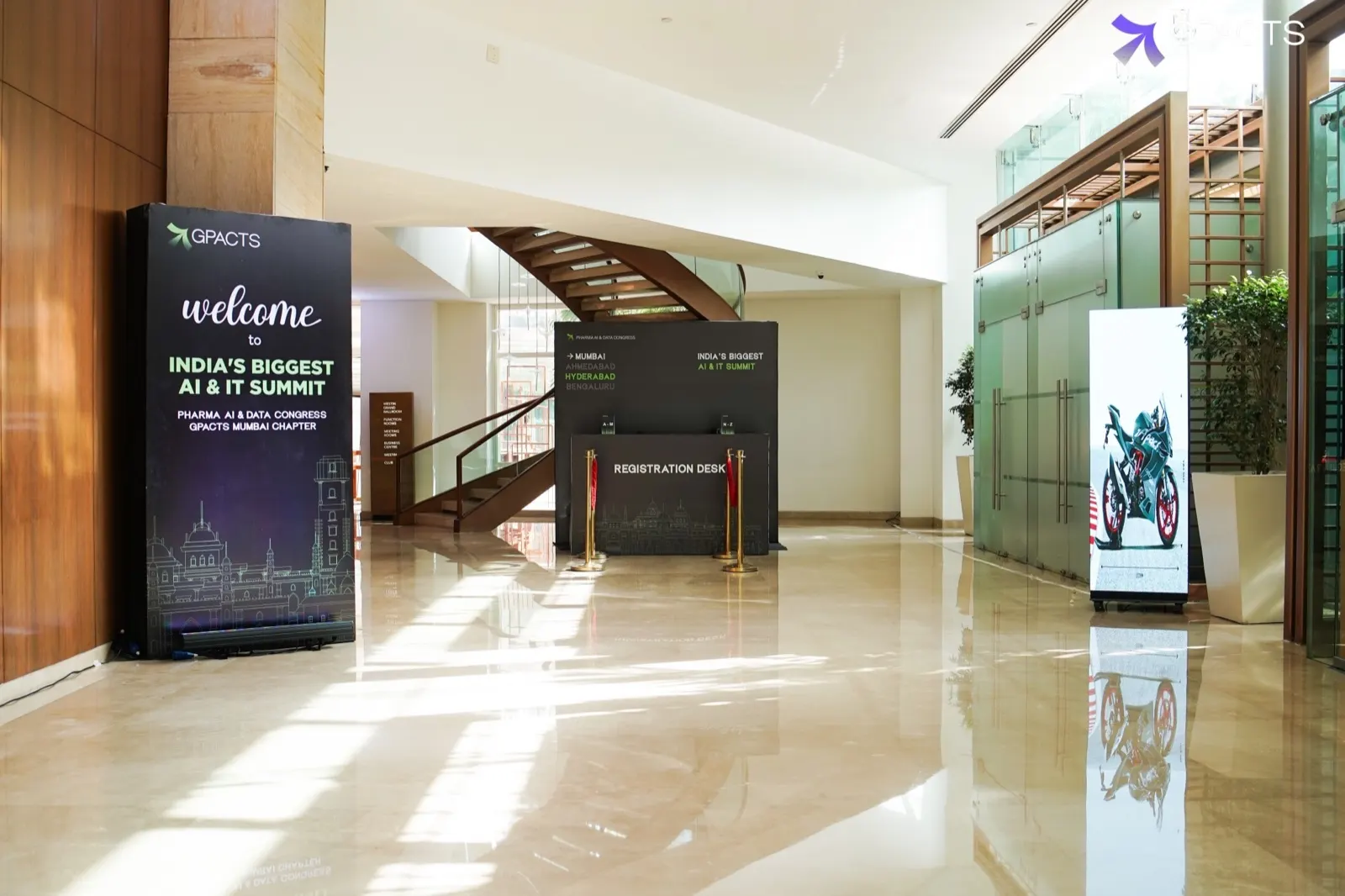
What happens to check-in when the venue WiFi drops
A minute-by-minute look at the queue when the network fails, and what local-first kiosks do differently.