Three steps, one attendee record.
Design the layout
Choose the fields (name, company, QR code and role colour), set the layout and check it in the live preview.
Print on scan
The badge prints when the delegate checks in, with the latest details.
Reprint in seconds
Fix a typo or change a title at the desk and print again.
What's included
Every package includes offline check-in and badge printing, including the free one.
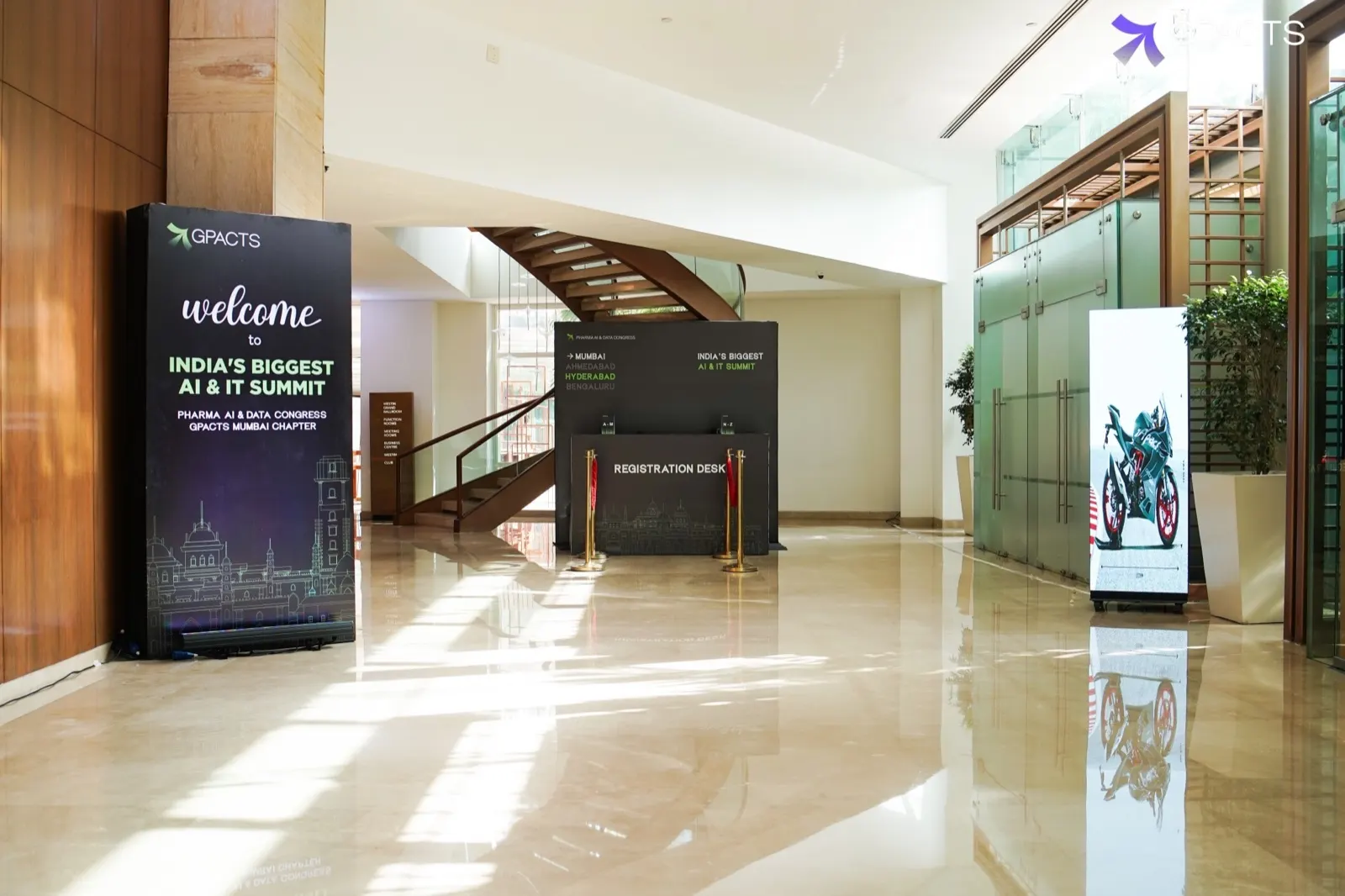
GPACTS Mumbai
“Every delegate was scanned, badged and through the door in under a minute. Our desk team spent the morning welcoming people instead of searching lists.”
Badge templates that scan first time
Four editable layouts for delegates, speakers, exhibitors and press, sized for common badge stock.
On-site badge printing: common questions
Which printers do you support?
Common thermal and direct-to-card badge printers. In India we supply the printers with the kiosks.
Can each ticket type look different?
Yes. Each ticket type gets its own colour band and label on the event's badge layout.
Can we still pre-print for VIPs?
Yes. You can print any group in advance and print everyone else on arrival.
How big should the QR code be?
We recommend at least 2.5 cm wide with a clear margin, which the templates already follow.
Keep exploring
See it run on
your event's numbers.
A 30-minute demo on your event's numbers. We'll cut the WiFi live and let the kiosks keep printing.