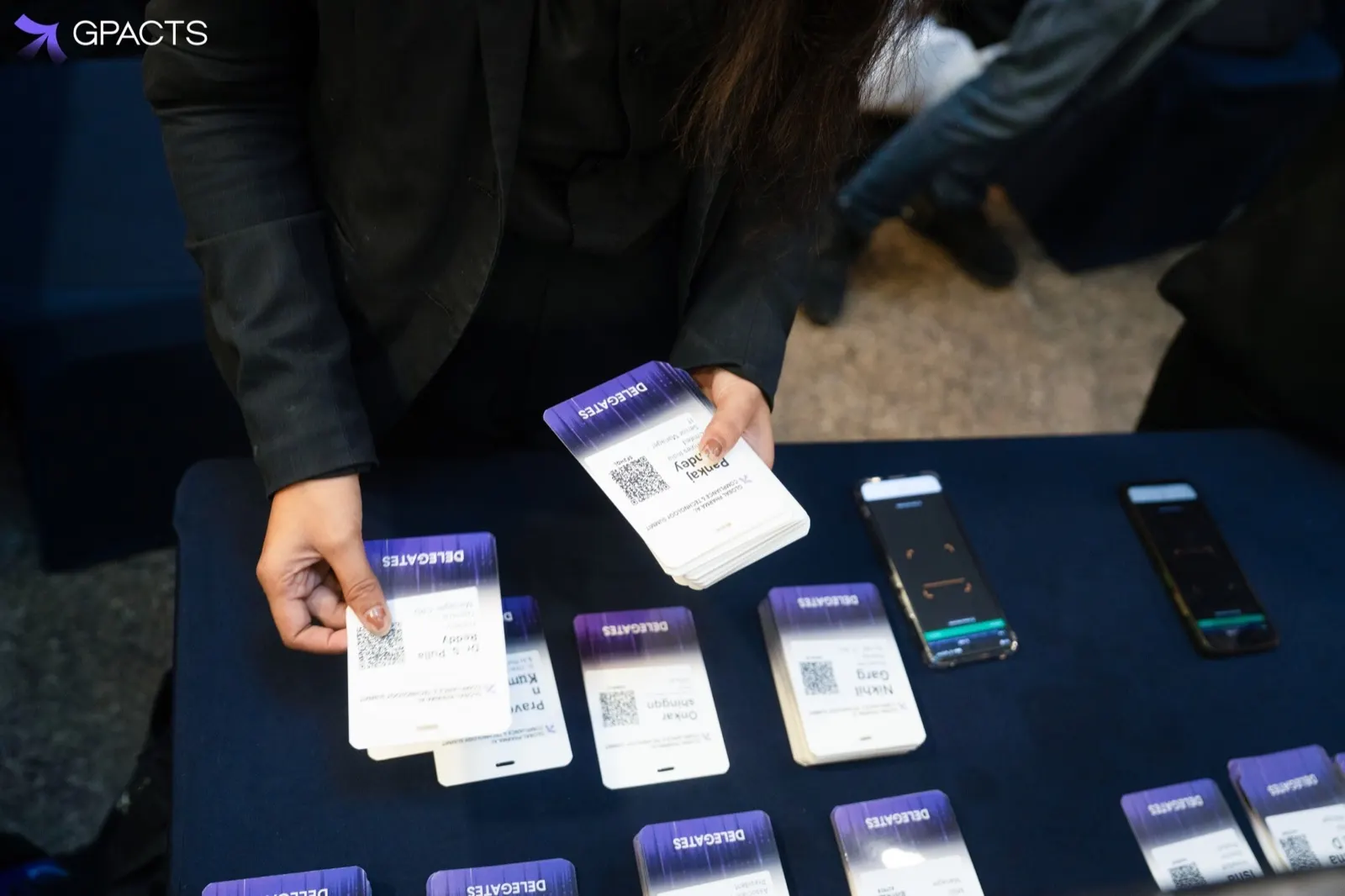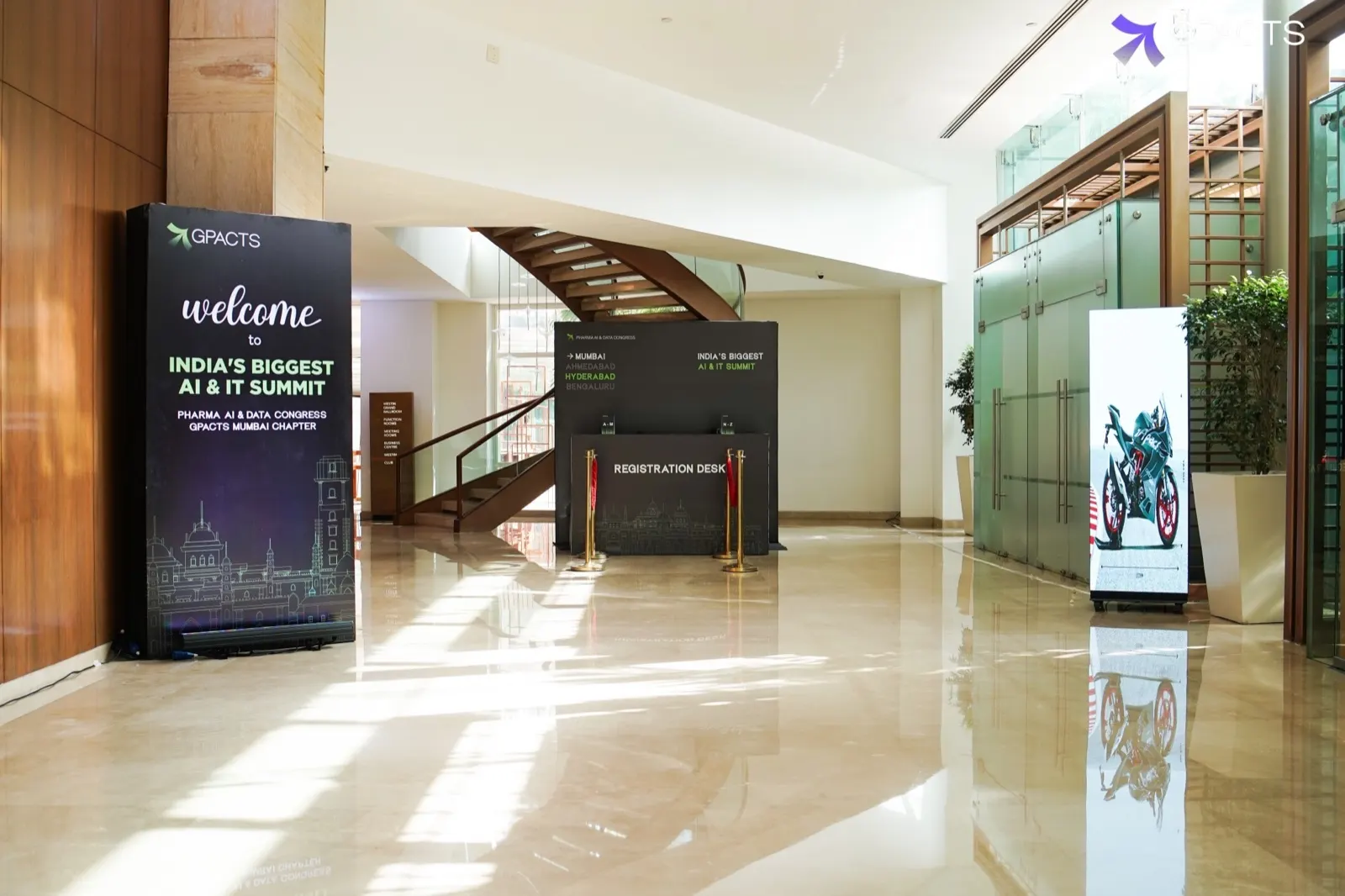
Doors open at 9:00. By 9:05 there are two hundred people in the queue, and by 9:07 the venue network is carrying every phone in the hall. For most check-in systems, that is the moment the screen stops responding.
The first five minutes
A cloud-only kiosk has to ask a server whether each QR code is valid before it prints. When the network slows, every scan waits on that answer. Staff tap the screen again, attendees try a second code, and the queue stops moving. Within a few minutes the desk team is choosing between waving people through unbadged or holding the line.
What local-first changes
An offline-first kiosk downloads the full attendee list before doors open. Every scan is checked against the copy on the device, so validation and printing take the same time with or without a connection. The kiosk records each check-in locally and marks it as pending.
- Validation happens on the device, in about the same time as a normal scan
- Badges print from local data, so the printer never waits on the network
- Each check-in is time-stamped and queued for sync
- Staff see a clear “Working offline” status, not an error
When the connection comes back
Queued check-ins upload in order. Because each record carries the kiosk ID and time, the server can resolve the rare case where the same attendee was scanned at two kiosks. The dashboard catches up within seconds, and the attendance count finance sees is the same number the desk saw.
What to ask a vendor
- Can a kiosk validate and print with the network cable pulled out?
- How long does the attendee list take to download, and how often does it refresh?
- What happens to a check-in made offline at two kiosks at once?
- What does staff see on screen while offline?
The simplest test is the one we run in every demo: cut the WiFi and keep scanning.